How to Convert JPG to PDF Without Losing Image Quality
We all know that sinking feeling. You take a crystal-clear photo of an important document, drop it into a free converter online, and out pops a muddy, pixelated PDF that looks like it was faxed in 1998. Whether you are submitting a college assignment, uploading identity documents, or building a professional photography portfolio, converting images to PDFs should never ruin the quality. Let's explore how to do it right.
The GenZDoc team builds free, privacy-first file tools and writes practical guides on PDF compression, image conversion, and everyday file management.
Real-Life Example: The Blurry College Submission
Jason was taking an intense online calculus class. His professor required all handwritten math assignments to be submitted as a single, multi-page PDF document. Jason meticulously took five high-resolution JPG photos of his notebook using his iPhone.
Running late, he hastily used a random mobile app to convert the five JPGs into one PDF. When the professor opened the file, the aggressive internal compression of the app had blurred out Jason's decimal points and minus signs. He lost an entire letter grade because the professor couldn't read the math. If Jason had used a proper lossless converter, his assignment would have looked identical to the original photos.
Why Do We Even Convert JPG to PDF?
You might be wondering, "If I already have a great JPG, why bother changing it?" There are several professional reasons to convert your independent JPG images into a structured PDF format:
- 📄Structured multi-page documents: You can combine 20 different photo pages into one highly organized digital file instead of sending a messy folder.
- 📱Converting phone photos to legal documents: Easily convert tax receipts, boardroom whiteboards, or signed contracts you've informally photographed into formal documents.
- 🎨Portfolio presentation: Present your expensive photography, interior design references, or digital artwork in one clean, universally accessible document.
- 📋Strict form submissions: Countless government portals, financial loan applications, and HR software literally mandate the PDF format for all document uploads and will reject JPG files.
The Secret Quality Problem Nobody Mentions
Here is a deeply frustrating technical secret most people simply don't realize: not all online JPG to PDF converters are built equally.
Many outdated tools process your file by extracting the image, heavily crushing its data to save server bandwidth, and re-compressing it back into a PDF wrapper. This results in:
- Highly blurry, unreadable text in scanned paper documents
- Ugly visible color banding across blue skies or smooth gradients
- Blocky "JPG artifacts" suddenly becoming visible around edges
- An overall disappointing “washed out” appearance
The technological solution is to exclusively use a modern tool that acts as a "wrapper." It should take your original pristine JPG file and embed it directly into the PDF framework without triggering a secondary layer of data-destroying re-encoding.
Common Mistakes When Converting Images to PDF
- Taking photos with terrible lighting: A lossless PDF converter will perfectly preserve your image. That means if your original room lighting was terrible and wildly fuzzy, your final PDF will definitely be fuzzy. Capture good photos first.
- Using screenshots instead of raw photos: Downloading a high-resolution image, but then awkwardly taking a low-resolution phone screenshot of it to convert to a PDF. You destroy 80% of the image data before the conversion even begins. Always convert the original source file.
- Converting upside-down images: Throwing 15 receipt photos into a converter without checking their orientation first, resulting in a chaotic document. Fix the rotation before or during the web conversion.
How to Convert Images (The Right, Lossless Way)
Do not risk your file quality. Here is the straightforward workflow to ensure your pixels remain perfectly intact:
Open Our Secure JPG to PDF Tool
It is 100% free, requires no signups, and works in any modern mobile or desktop browser.
Add Your Pristine Images
Smoothly drag and drop multiple JPGs. Carefully review and reorder them visually if needed before processing.
Select Your Page Layout Settings
Choose your precise page size (such as A4 or US Letter) and select portrait or landscape orientation to ensure it prints perfectly.
Generate and Download Your PDF
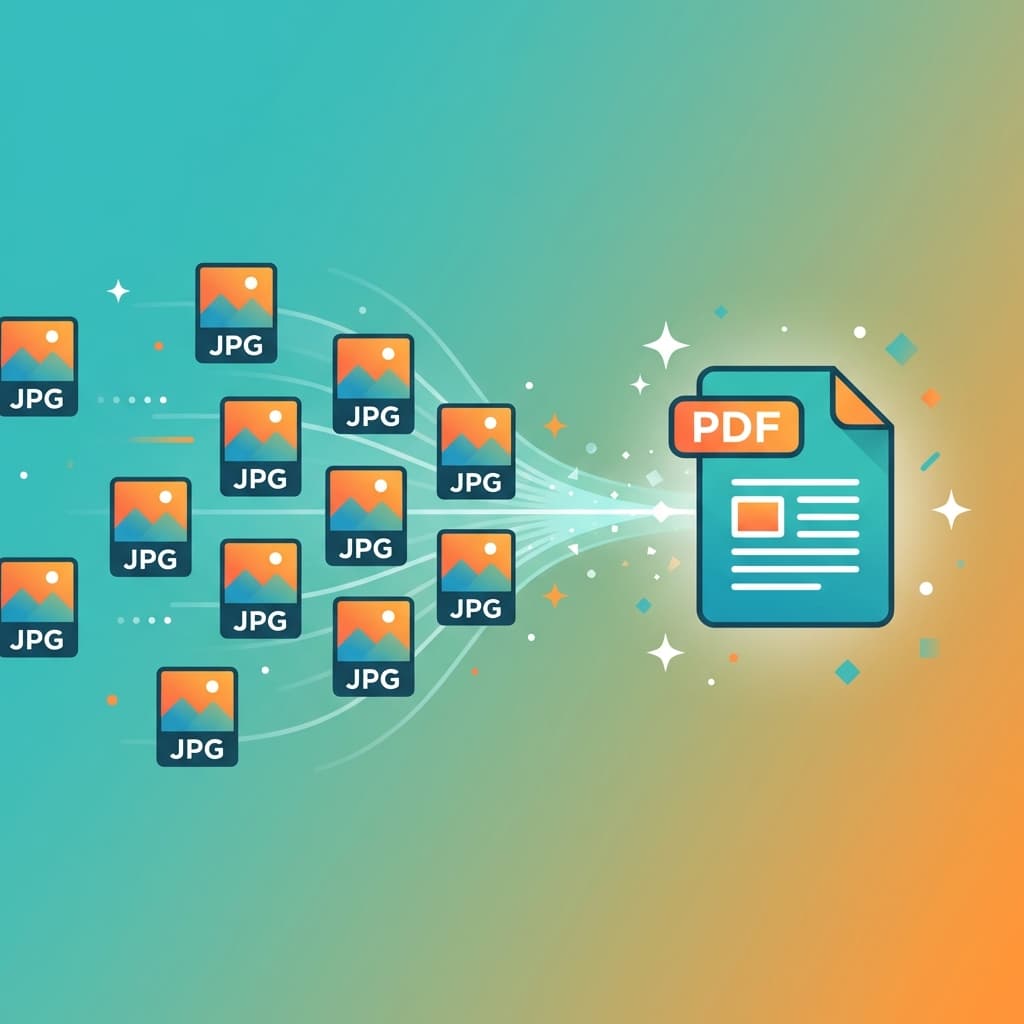
Your scattered raw images are now firmly merged into a single, high-fidelity, professional shareable document.
Pro Tips for Corporate-Level Quality
💡 Scan documents using a dedicated mobile scanner app first
If you are converting photos of paper documents, do not casually use your generic camera app. Use the built-in iOS Notes scanner or Android Google Drive scanner to perfectly flatten the perspective, realistically increase contrast, and crop away the background desk.
💡 Unify the target image dimensions
If you are tightly combining 20 wildly different photos (massive DSLR landscape photos mixed with vertical phone photos) into one document, the final PDF pages might dynamically resize strangely. Optionally pre-crop your photos to the exact same aspect ratio before converting.
Everyday Common Use Cases
Here is how professionals frequently leverage this exact conversion:
Business Receipts & Invoices
Rapidly turning loose photo receipts sequentially into one tightly organized PDF for monthly corporate expense reports.
Clear Identity Documents
Converting photos of the front and back of a driver's license into a single secured PDF for bank loan applications.
Client Photography Proofs
Aggregating event vacation photos securely into a single protected, easily viewable, scrollable PDF album.
Critical Whiteboard Notes
Combining different angle photos of an intense architecture meeting whiteboard into an officially filed PDF for the engineering team.
Ready to Convert Safely?
Create a crisp professional PDF from your images in seconds. No quality loss, no software updates, and no signup required.
Convert JPG to PDF Free →