PDF Too Large to Upload? Here's the Fastest Fix
That frustrating “file too large” error has a 30-second fix. No software needed.
The GenZDoc team builds free, privacy-first file tools and writes practical guides on PDF compression, image conversion, and everyday file management.
🔹 Quick Answer
- Best way: Use aggressive yet safe PDF compression algorithms.
- Safest method: Process files natively on your device so confidential data isn't uploaded.
- Fastest option: Securely bypass size limit blocks instantly with the GenZDoc PDF Compressor.
Real-Life Example: The USCIS Application Rejection
A relative of mine was filling out an online immigration form that required uploading supporting documents as PDFs. Her 6-page bank statement scanned at 600 DPI was 42MB. The portal had a strict 5MB limit per file.
She tried splitting it into separate files — but the portal required a single PDF. She tried printing and re-scanning at lower resolution — but didn't know how to change her scanner settings. An hour of frustration later, she found a PDF compressor online and had the file down to 3.8MB in under a minute. The content was perfectly readable.
Government and HR portals almost always impose strict size limits that most people don't know about until they hit the error wall. Keeping a PDF compressor bookmarked is genuinely useful.
The Problem Everyone Faces
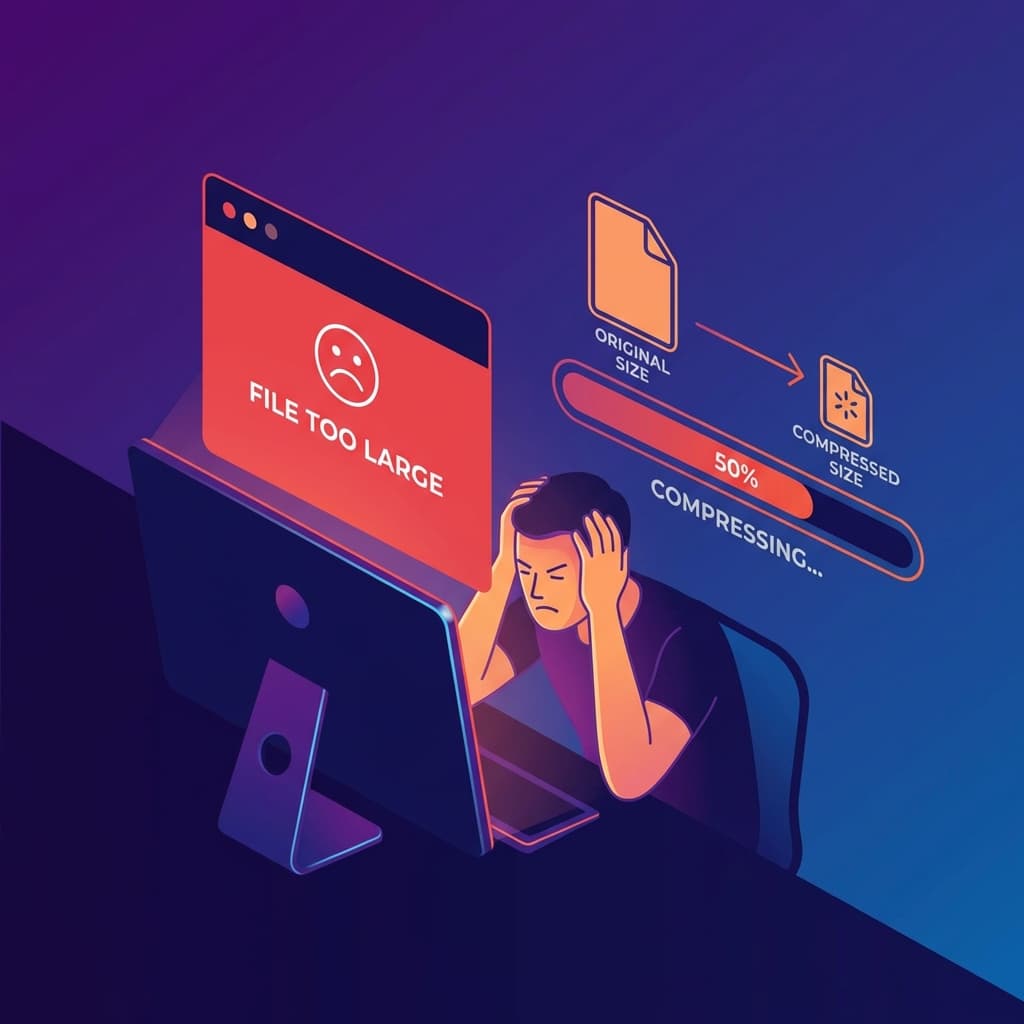
You're trying to upload an important PDF — a job application, a signed contract, a tax form — and the website just says:
Sound familiar? You're not alone. Most upload systems have strict limits (2MB, 5MB, 10MB), and scanned PDFs easily blow past these.
The 30-Second Fix
Here's exactly what to do:
Open Our PDF Compressor
No signup, no download, works right in your browser.
Drop Your PDF
Drag and drop or click to select. Your file never leaves your computer.
Download the Smaller Version
Typically 50-80% smaller. Text stays sharp.
Common Upload Limits You'll Hit
Why Is My PDF So Large?
The most common reason: scanned documents. When you scan paper to PDF, each page becomes a high-resolution image. A 10-page scanned document can easily hit 30-50MB.
Other culprits: embedded fonts, high-res photos, and layers from editing software. Our compressor handles all of these.
Common Mistakes to Avoid
- Compressing too aggressively: If you compress a scanned document until the text becomes blurry, you have made things worse. Check that text is still clearly readable at 100% zoom after compression.
- Splitting instead of compressing: Some people split a large PDF into multiple files thinking the portal will accept partial uploads. Most portals expect a single complete document.
- Using ZIP to avoid size limits: Uploading a ZIP file containing a PDF doesn't work on most portals, they specifically require a PDF. The only proper fix is to compress the PDF itself.
Reviewed by Rishab Dubey, Founder of GenZDoc — focused on building privacy-first tools that process files directly in your browser.