Best Image Size for Email Attachments (Gmail & Outlook)
We have all been there. You excitedly drag a folder of event photos into a fresh email, hit send, and immediately get slapped with that dreaded "Message too large" error. Whether you are applying for a job, sending real estate listings, or sharing family vacation photos, attaching images to an email shouldn't feel like a high-stakes gamble. Today, let's look at exactly what size your photos should be so they actually arrive safely in the recipient's inbox—without losing their crispness.
The GenZDoc team builds free, privacy-first file tools and writes practical guides on PDF compression, image conversion, and everyday file management.
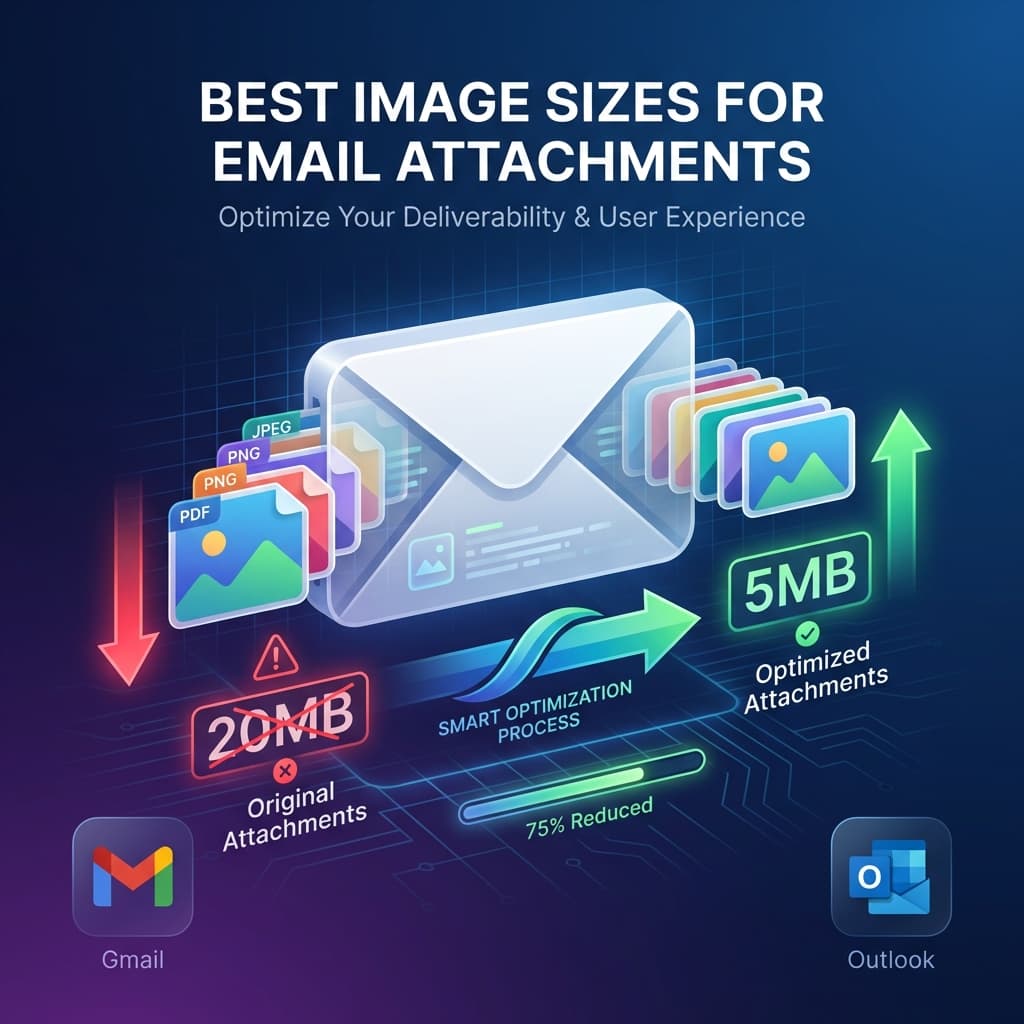
🔹 Quick Answer
- Best way: Keep images visually clear but stripped of hidden, heavy metadata.
- Safest method: Resize and compress directly on your browser without uploading to shady servers.
- Fastest option: Drop your file into the GenZDoc Image Compressor to instantly fix the attachment barrier.
Real-Life Example: The Job Application That Never Arrived
Let me paint a picture of a painfully real scenario. Sarah, a freelance graphic designer, found her dream job online. The application required her to email her resume along with a small portfolio of 5 recent design works. Wanting to look as professional as possible, she attached five full-resolution, uncompressed PNG files directly from her editing software. The total email size was 65MB.
She clicked send and never heard back. Why? Because the hiring manager's strict corporate email server instantly blocked any incoming message over 10MB as a security precaution. Sarah never received a bounce-back error; the email just silently went into the void. This happens thousands of times a day in the professional world. When you send unoptimized images, you are essentially burying your own emails.
The Limits You Need to Know
Before we talk about the ideal image dimensions, we need to talk about rigid server limits. Every single email provider has a hard cap on how much data can pass through their gates per email:
| Provider | Attachment Limit | Important Notes |
|---|---|---|
| 📧 Gmail | 25 MB | This is the total for the email and attachments |
| 📧 Outlook | 20 MB | Microsoft 365 business accounts may allow slightly more |
| 📧 Yahoo | 25 MB | Standard 25MB cap |
| 📧 Corporate | 5-10 MB | Highly strict security settings often block anything over 10MB |
The Golden Rule: Never assume the recipient uses Gmail. If you are emailing a government agency, a school, or a strict corporate office, assume their limit is 10MB total. When in doubt, keep it small.
The Ideal Image Size for Email
So, what is the magical number? Based on years of testing across thousands of email clients, here is the short, definitive answer for what works flawlessly:
✅ Highly Recommended
- Dimensions: 1200 to 1600px wide maximum
- File size: 200KB to 800KB each
- Format: JPG (for all standard photos)
- Quality Settings: 80-85% compression
❌ What to Avoid
- Dimensions: 4000px+ (straight from a smartphone)
- File size: 5MB+ per image
- Format: PNG or TIFF for complex photos
- Quality Settings: 100% (Overkill for email)
Think about it this way: a standard 1400px wide image saved at 80% JPG quality looks perfectly sharp on any laptop or phone screen, yet it usually weighs comfortably around 300-500KB. Using this specific standard, you can comfortably attach 10 to 15 different photos without ever breaking Gmail's generous 25MB limit.
Common Mistakes People Make with Email Images
- Sending multiple emails to "split" the load: If you have to send 5 separate emails titled "Photos Part 1", "Photos Part 2", you are doing it wrong. The recipient will find it annoying to download them all. Compress them instead.
- Embedding huge images inline: Pasting a 6MB uncompressed image directly into the text body of an email forces the recipient's email client to struggle to render it. Always use "Attach as File" unless the image is very small.
- Using ZIP files for small batches: While zipping files is great for software, sending a ZIP file containing just 4 JPGs often triggers aggressive company spam filters because ZIP files can technically hide malware. Just attach optimized JPGs directly.
How to Actually Resize Images for Email
If your photos are large, don't panic. You don't need Photoshop to fix this. Here is the workflow:
Open Our Free Image Resizer
It loads in your browser in seconds. No software downloads required.
Upload Your Huge Images
Drag and drop your massive smartphone or DSLR photos directly into the window.
Set Max Width to ~1400px
If it prompts you for width, 1400px is the sweet spot for professional quality vs. minimal size.
Download and Attach
Your images will shrink from 5MB down to a tiny 400KB. They are now officially email-ready.
JPG vs PNG: Which Should You Actually Use for Email?
This usually confuses people, but the rule of thumb is straightforward:
📷 JPG is for Photos (90% of the time)
Always use JPG for real-world pictures. JPG compresses photo data well. A raw 5MB photo becomes a 300KB JPG with no visible loss to the human eye. Use it for: vacation shots, product images, team photos.
🎨 PNG is strictly for Graphics
Use PNG only for flat logos, digital screenshots, or corporate graphics that require crisp text or sharp, transparent edges. But strictly compress them first — raw PNGs from design tools are notoriously huge.
Did someone send you a giant PNG that needs to be a small JPG? Need to convert quickly? Our PNG to JPG converter handles this instantly in your browser.
Pro Tips for Sending Attachments
💡 Never send full-res photos for review
If a client just needs to "look" at a photo to approve it, they do not need the 20MB print-ready file yet. Send them a compressed 800px preview image via email. Once approved, send the massive high-resolution final file via a secure Google Drive or Dropbox link.
💡 Rename your files before attaching
Sending a file named "IMG_8849.jpg" tells the recipient nothing. Taking 5 seconds to rename it to "Headshot_JohnDoe_2026.jpg" makes you look organized and ensures their computer search function can find it later.
Real-World Scenarios
Here is exactly how I recommend handling different real-world situations:
📋 Sending a Resume with a Headshot Photo
Resize the headshot photo down to about 400x400px, and strictly save as a JPG. The total image file will be a tiny ~50KB.
🏠 Real Estate Agent Sending a Listing (10 Photos)
Resize each image to about 1400px wide, saved at 80% JPG quality. Total weight: ~4MB. It fits into any email client without red flags.
👔 Product Showcase Photos for a Client
Resize 5 detailed hero images to exactly 1600px wide. Total weight: ~2MB. The client receives them instantly and they look gorgeous on desktop.
📄 Sending Scanned Paper Documents (Receipts/Contracts)
Do not send these as pure images if possible. Convert them securely to PDF format instead. If you must send an image, convert it to a grayscale JPG at exactly 150 DPI. It results in tiny files with perfectly readable text.
Quick Cheat Sheet
| Use Case | Recommended Size | Best Format |
|---|---|---|
| Tiny profile picture / icon | 400×400px | JPG |
| General lifestyle photos | 1200-1600px wide | JPG |
| Digital web screenshots | 1000px wide | PNG (highly compressed) |
| Company logos with cutouts | 500px wide | PNG |
| Important documents / ink scans | Convert directly to PDF |
Get Your Heavy Images Email-Ready Today
Resize or compress your images in seconds. Free, no signups, and works on any device.
Related Articles
Reviewed by Rishab Dubey, Founder of GenZDoc — focused on building privacy-first tools that process files directly in your browser.